In today’s world, having a reliable external hard drive is key. It helps you store and back up important files. Knowing about digital storage and storage capacity is essential. With technology advancing, data transfer is now a big part of our lives. So, picking the right external hard drive is crucial.
An external hard drive keeps your files safe and secure. It’s important to think about storage capacity. This decides how much data you can store. Data transfer speeds also affect how well your external hard drive works.
Choosing the right external hard drive can seem hard. But with the right help, you can make a good choice. This article will help you pick the perfect external hard drive. We’ll cover storage capacity, different technologies, and more.
Key Takeaways
- Understanding digital storage and storage capacity is crucial for choosing the right external hard drive.
- Data transfer speeds play a significant role in the overall performance of your external hard drive.
- Storage capacity determines how much data you can store on your external hard drive.
- Choosing the right external hard drive can be overwhelming, but with the right guidance, you can make an informed decision.
- An external hard drive provides a safe and secure way to store your files, ensuring that your data is protected in case of an emergency.
- Considering your specific needs and requirements is essential for selecting the perfect external hard drive for your digital life.
Understanding External Hard Drive Basics
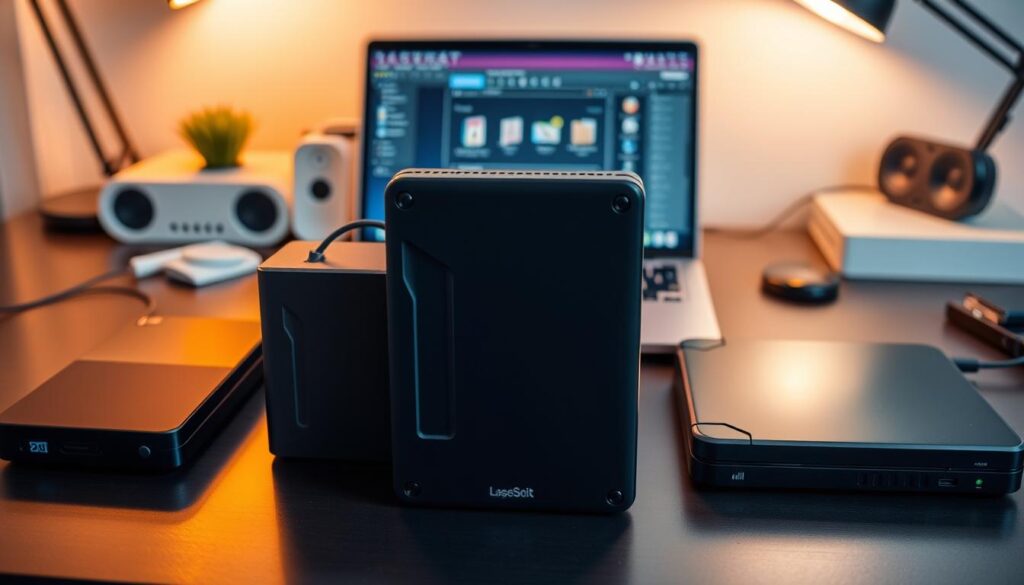
Managing your digital life well means having a good external storage solution. External hard drives are great for storing and moving data between devices. Knowing the hard drive basics helps you use them for data backup.
There are many storage solutions out there, each with its own perks. HDDs have lots of storage, while SSDs are fast. Flash drives are perfect for small data on the move. Knowing the types helps you pick the right one for you.
- Storage capacity: How much data do you need to store?
- Data transfer speed: How quickly do you need to transfer data?
- Portability: Do you need a drive that’s compact and lightweight?
Think about these points and learn about external hard drives. This way, you can choose the best storage solution for your digital needs.
| Storage Solution | Storage Capacity | Data Transfer Speed |
|---|---|---|
| Hard Disk Drive (HDD) | Up to 16TB | Up to 200MB/s |
| Solid-State Drive (SSD) | Up to 8TB | Up to 1000MB/s |
| Flash Drive | Up to 1TB | Up to 100MB/s |
Storage Capacity Considerations
Choosing an external hard drive means looking at storage capacity first. The size you need depends on your files, their size, and how often you’ll use it. For example, big video files need more space.
Think about what files you’ll store. Here’s a quick guide to file sizes:
- Documents: 1-10 MB
- Photos: 1-10 MB
- Videos: 100-1000 MB
- Music: 1-10 MB
Use these sizes to figure out how much space you need. Also, think about backup solutions and how often you’ll back up. A good rule is to pick a drive that’s at least twice as big as your computer’s hard drive.
Here’s a table to help pick the right size:
| File Type | File Size | Recommended Storage Capacity |
|---|---|---|
| Documents | 1-10 MB | 500 GB – 1 TB |
| Photos | 1-10 MB | 1-2 TB |
| Videos | 100-1000 MB | 2-4 TB |
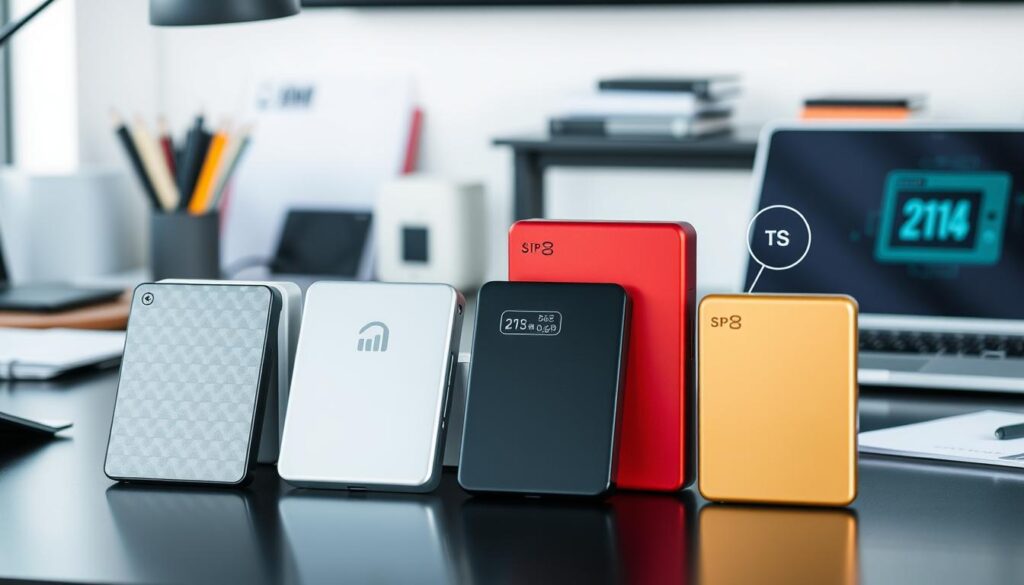
By thinking about these points, you can pick the right storage capacity. This ensures your external hard drive works well for storing and backing up your data for a long time.
Different Types of External Hard Drive Technologies
There are many types of external hard drives, each with its own benefits. Hard drive technology has changed a lot, with new options like solid-state drives (SSD) and network attached storage (NAS). While traditional hard disk drives (HDD) are still common, SSDs are becoming more popular for their speed and reliability.
Choosing the right external hard drive depends on the storage technology. HDDs use disks and magnetic heads, while SSDs use flash memory. This difference affects how fast and durable the drive is. For example, SSDs are quicker and more shock-resistant than HDDs.
Key Differences in External Hard Drive Technologies
- HDD: traditional storage technology with spinning disks and magnetic heads
- SSD: flash memory-based storage technology with faster speeds and higher reliability
- NAS: network attached storage devices that allow for shared access to files
- Portable drives: designed for on-the-go use, often with smaller capacities and compact designs
Portable drives and NAS devices serve different needs. Portable drives are great for moving data around, while NAS devices are best for sharing files in a network. Knowing about hard drive technology, SSD, HDD, NAS, and portable drives helps you choose the best one for you.

How to Pick the Right External Hard Drive for Your Needs
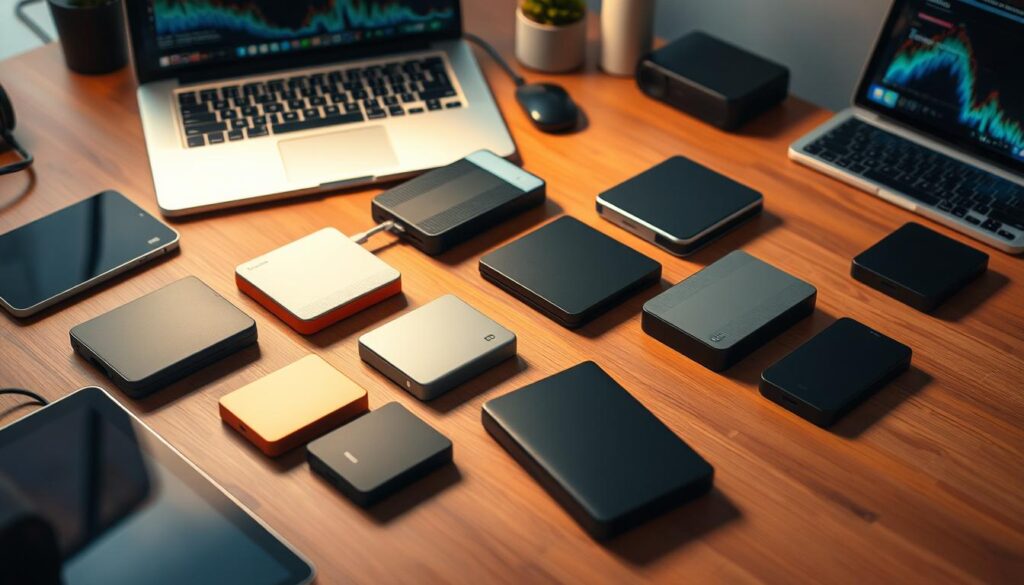
Choosing the right external hard drive involves several key factors. First, you need to figure out how much storage you require. Think about the types of files you’ll store, like videos, photos, or documents. Also, consider how often you’ll use it.
Next, match the features to your needs. If you’re always on the move, a portable drive is ideal. Look at the connection type, like USB or Thunderbolt, and the speed of data transfer. Don’t forget about your budget. Set a price range and find a drive that fits within it.
- Storage capacity: How much data do you need to store?
- Data transfer speed: How quickly do you need to transfer data?
- Connection type: What type of connection do you need, such as USB or Thunderbolt?
- Portability: Do you need a portable drive or a desktop drive?
- Budget: What is your budget for the external hard drive?
By carefully considering these points, you can choose the perfect external hard drive. Focus on your storage needs, the features you require, and your budget. This way, you’ll find the best drive for your specific needs.
Connection Types and Transfer Speeds
When picking an external hard drive, think about the connection types and speeds. The main options are USB and Thunderbolt. USB is very common, with speeds from USB 2.0 to USB 3.2. Thunderbolt, though, is faster, perfect for big data moves.
Transfer speeds matter a lot for moving data quickly. Data transfer speeds vary, from a few megabytes to several gigabytes per second. For instance, USB 3.2 can go up to 20 Gbps. Thunderbolt 3 can hit 40 Gbps.
- Make sure it works with your device
- Think about how much data you need to move
- Check if the speed is what you need
Choosing the right connection type and speed ensures your data moves smoothly and reliably.
Durability and Build Quality Factors
When choosing an external hard drive, think about its durability and build quality. This is key if you’ll be using it while on the move. A sturdy external hard drive can handle travel well and keep your data safe. Shock resistance is important to protect your data from drops.
Weather protection is also crucial. Look for devices with an IP67 rating or similar. This means they can handle dust and water. Plus, a compact and light design makes it easier to carry around.
Key Features to Look For
- Shock-absorbing materials, such as rubber bumpers
- Weather and water protection, such as IP67 rating
- Compact and lightweight designs for easy portability
- Durable build quality, including sturdy materials and construction
By focusing on these aspects, you can find an external hard drive that’s both durable and easy to carry. This ensures your data stays safe, even when you’re on the go.
When looking at specific features, search for devices made from strong materials like aluminum or stainless steel. Also, consider how well they handle weather and shocks. These factors are key to keeping your external hard drive in good shape.
| Feature | Importance | Description |
|---|---|---|
| Shock resistance | High | Protects data in case of accidental drops |
| Weather protection | High | Ensures device can withstand harsh environments |
| Travel-friendly designs | Medium | Compact and lightweight for easy portability |
Security Features and Data Protection
Choosing an external hard drive means looking at security features and data protection first. You need to keep your sensitive info safe from prying eyes. Opting for drives with encryption, like AES-256, is a smart move. This encryption is tough for hackers to crack.
Password protection is also key. Some drives use fingerprint recognition or PIN codes for extra security. You might also want drives with backup and recovery software for added peace of mind.
Here are some important security features to think about:
- Encryption methods, such as AES-256
- Password protection, including fingerprint recognition or PIN codes
- Data backup and recovery software
- Secure data transfer protocols
By focusing on these security features and data protection options, you can pick a safe external hard drive. Always choose drives with strong encryption and password protection to keep your data safe.
Brand Comparison and Reliability
Choosing an external hard drive means looking at reliability first. Brands like Western Digital, Seagate, and Toshiba have many options. They vary in storage, speed, and how long they last. It’s smart to compare brands carefully.
Don’t forget about the warranty. A good warranty means you’re covered. Also, customer support is key if you run into problems.
Here are important things to think about when picking a brand:
- Storage capacity and data transfer speed
- Durability and build quality
- Warranty and customer support
- Price and value for money
By looking at these points and comparing brands, you can find a reliable external hard drive. Make sure it has a strong warranty and good customer support. Also, choose a brand known for reliability.
| Manufacturer | Warranty | Customer Support |
|---|---|---|
| Western Digital | 2-year limited warranty | 24/7 phone and email support |
| Seagate | 1-year limited warranty | 24/7 phone and email support |
| Toshiba | 2-year limited warranty | 24/7 phone and email support |
Performance Metrics to Consider
When checking how well an external hard drive works, several important metrics are key. Data transfer speed is crucial because it shows how fast you can move data to and from the drive. This speed is measured in megabytes per second (MB/s) and greatly affects your experience.
Access time is another vital metric, measured in milliseconds (ms). It shows how fast you can get to your files. Throughput, measured in gigabytes per second (GB/s), is also key. It shows how well the drive performs overall.
Here are some key performance metrics to consider:
- Data transfer speed: Measured in MB/s, this metric determines how quickly you can transfer data.
- Access time: Measured in ms, this metric affects how quickly you can access your data.
- Throughput: Measured in GB/s, this metric determines the overall performance of the external hard drive.
By looking at these performance metrics, you can choose the right external hard drive. Whether you focus on data transfer speed, access time, or throughput, knowing these metrics is key to a great digital storage experience.
| Performance Metric | Unit of Measurement | Importance |
|---|---|---|
| Data Transfer Speed | MB/s | High |
| Access Time | ms | Medium |
| Throughput | GB/s | High |
Compatibility with Different Operating Systems
Choosing the right external hard drive means looking at compatibility with Windows, Mac OS, and Linux. This ensures your device works smoothly and data moves easily. It’s important to pick a drive that fits your system for best performance.
Make sure your external hard drive matches your device’s operating system. Some drives need extra software for certain systems. Operating systems like Windows and Mac OS have different needs. Linux support can also vary.
Key Considerations for Compatibility
- Check the external hard drive’s compatibility with your device’s operating system
- Ensure the device supports the necessary file systems, such as NTFS for Windows or HFS+ for Mac OS
- Verify the external hard drive’s compatibility with Linux, if required
Thinking about these points helps you pick a drive that works well with your system. This makes using your device easier.
Conclusion: Making Your Final Decision
As you finish looking for the best external hard drive, it’s time to decide. Think about storage, speed, durability, security, and compatibility. These will help you pick the right one for your digital life.
Consider what you need to store and how you use it. Also, think about your budget. This way, you’ll find the best value for your money. With all this info, you can choose the external hard drive selection that fits your digital world.
The right external hard drive keeps your data safe and organized. Follow the tips in this article to find the perfect one for you. You’ll be all set to protect your digital life.