Can a laptop truly balance the demands of work and play while still being sleek, efficient, and user-friendly? The Dell Inspiron Touchscreen Laptop, with its impressive specs and design, might just be the answer you’re looking for. This comprehensive review will guide you through everything you need to know about this versatile notebook.


Design and Build Quality
Sleek and Modern Look
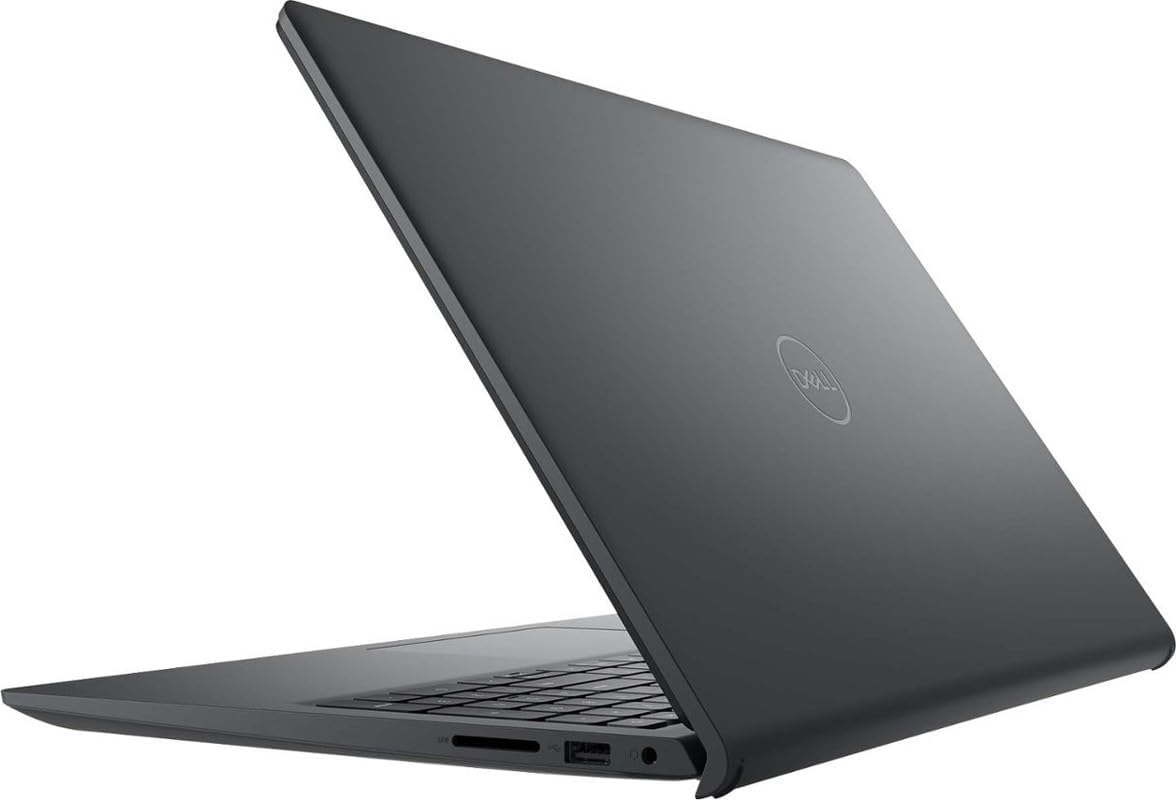
Let’s talk aesthetics first. With its carbon black finish, the Dell Inspiron Touchscreen Laptop is a stunner. It boasts a modern and professional design, perfect for the office or a trendy café. The narrow-bezel display enhances its sleekness, giving you more screen with less distraction. A lightweight and portable build ensures you can easily slide it into your bag without worrying about extra bulk.
Durability and Portability
The construction feels solid, providing a reassuring durability. This laptop is designed for on-the-go lifestyles, whether you’re commuting to work or attending back-to-back classes. It strikes the right balance between being robust and lightweight – a true companion for the busy professional or student.
Display and Graphics
Full HD Touch Display
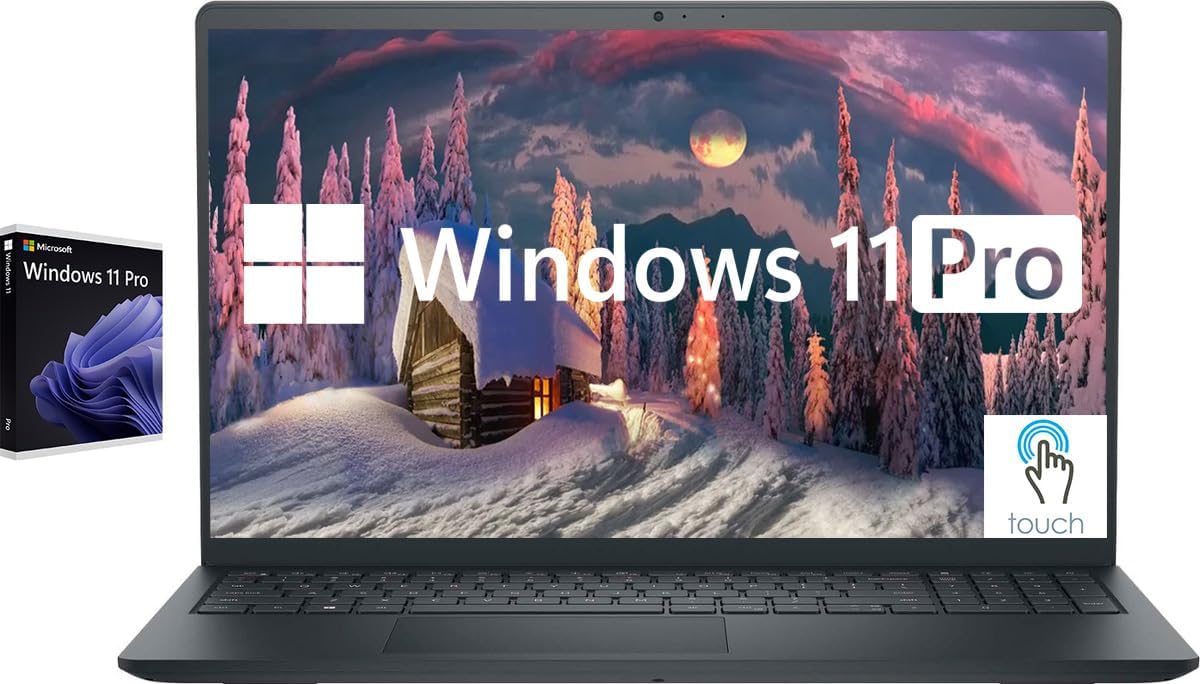
One of the standout features is the 15.6-inch Full HD IPS touchscreen. This display offers strikingly clear visuals, with a resolution of 1920×1080. The touch functionality is impressively responsive, enhancing your interactions whether you’re editing a document or scrolling through your favorite websites. Plus, the anti-glare coating makes it ideal for working outside or in brightly lit rooms.
Integrated Graphics Performance
The integrated Intel UHD Graphics deliver quite a punch for an integrated solution. While it’s not aimed at hardcore gaming, it handles casual gaming with ease and supports external digital monitors via its HDMI port. The visuals are crisp, and the color reproduction is vibrant, making it a pleasure for watching movies and creative work alike.
Performance and Specifications
Power under the Hood
At the heart of the Dell Inspiron is the Intel Quad-Core i5-1155G7 processor. With 4 cores and 8 threads, it ramps up to a clock speed of 4.5GHz, handling multitasking with finesse. Whether you’re running demanding applications or managing multiple browser tabs, the process remains smooth and lag-free.
Memory and Storage
It comes with an impressive 32GB of RAM, which is more than enough for a seamless experience in various tasks, from heavy software use to casual browsing. The 1TB SSD ensures you have ample storage space and quick data retrieval. Programs load faster, and you can store countless files, movies, and games without external storage worries.
| Feature | Specification |
|---|---|
| Processor | Intel Quad-Core i5-1155G7, 4.5GHz |
| Graphics | Integrated Intel UHD Graphics |
| RAM | 32GB |
| Storage | 1TB SSD |
| Display | 15.6″ Full HD (1920×1080) Touchscreen |
| Operating System | Windows 11 Professional 64-bit |
Connectivity and Ports
Comprehensive Connectivity
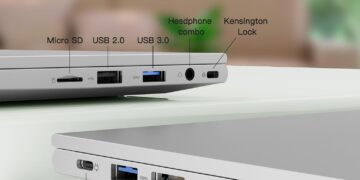
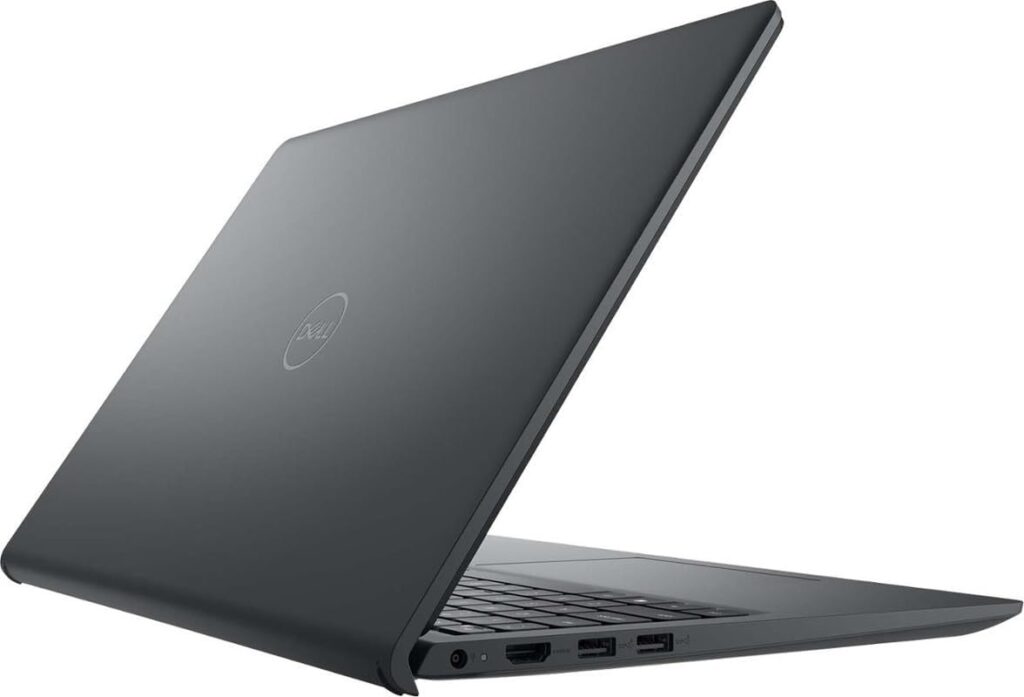
The Inspiron is well-equipped on the connectivity front. It includes two USB 3.2 Type-A ports and one USB 2.0 Type-A port, catering to various peripheral needs. The HDMI 1.4 port allows easy hookup for external displays, while the headphone/microphone combo jack supports your audio needs. The SD card reader is a nice touch for creatives who need fast data access.
Wireless Capabilities
Featuring Wi-Fi 5 (802.11ac) and Bluetooth, the wireless performance is satisfactory, ensuring stable connections for work and play. Whether you’re attending online classes, streaming shows, or taking part in a remote meeting, the wireless capabilities keep you connected smoothly.
Software and Operating System
Windows 11 Professional
Running on Windows 11 Professional 64-bit, this laptop is geared for both personal and professional uses. Its interface is intuitive and familiar yet modernized, with new layouts and multitasking capabilities designed to enhance productivity. Features like Snap Assist and multiple desktops keep your workload organized and efficient.
Enhanced Security and Features
Windows 11 Professional offers advanced security features to safeguard your data, which is crucial for business environments. It’s equipped to handle productivity software, creative tools, and business applications with ease, making it ideal for a range of users, from students to professionals.
Usability and User Experience
Keyboard and Touchpad
The full-sized keyboard with a numeric keypad is comfortable and practical for data entry tasks. The key travel is satisfying, reducing fatigue during extended typing sessions. The touchpad is responsive, supporting intuitive multi-touch gestures, further enhancing user interaction with the device.
Webcam and Audio
A 720p HD webcam is embedded, providing decent quality for video calls and meetings. Coupled with stable audio performance, it’s adequately suited for Zoom meetings and other video conferencing tools. While the sound might lack depth for audiophiles, it’s clear and acceptable for most users.
Battery Life
All-Day Performance
The battery life offers satisfactory longevity, enough to get you through a full day of mixed-use without constantly hunting for a charger. It’s perfect for long lecture days or travel without worry. The power management settings allow you to optimize usage further, extending life between charges.
Final Thoughts
The Dell Inspiron Touchscreen Laptop, with its blend of performance, design, and features, positions itself as a formidable choice for students and professionals alike. Its powerful specs, coupled with thoughtful design elements, make it an incredibly versatile machine capable of handling daily tasks with ease. Whether you’re working on a presentation, attending a virtual meeting, or unwinding with a movie, this laptop delivers a superior user experience.
Disclosure: As an Amazon Associate, I earn from qualifying purchases.