Laptop overheating is a common problem. It can damage your device and slow it down. To avoid this, using cooling solutions is key. DIY cooling methods are a smart choice because they’re affordable and effective.
DIY cooling helps prevent overheating and damage. These simple solutions keep your laptop cool. In this article, we’ll look at the top DIY laptop cooling hacks.
These DIY cooling methods stop overheating and keep your laptop running well. Cooling solutions are vital for safety and avoiding damage. They’re a budget-friendly way to keep your laptop cool.
Introduction to DIY Cooling Methods
DIY cooling methods are simple and make a big difference. They help keep your laptop at a safe temperature. This prevents damage and keeps your laptop running smoothly.
Key Takeaways
- DIY cooling methods can help prevent laptop overheating
- Cooling solutions are essential to maintain a safe temperature
- DIY cooling methods are easy to implement and cost-effective
- Using DIY cooling methods can improve your laptop’s performance
- Regular maintenance is crucial to prevent laptop overheating
Understanding Laptop Overheating: Causes and Risks
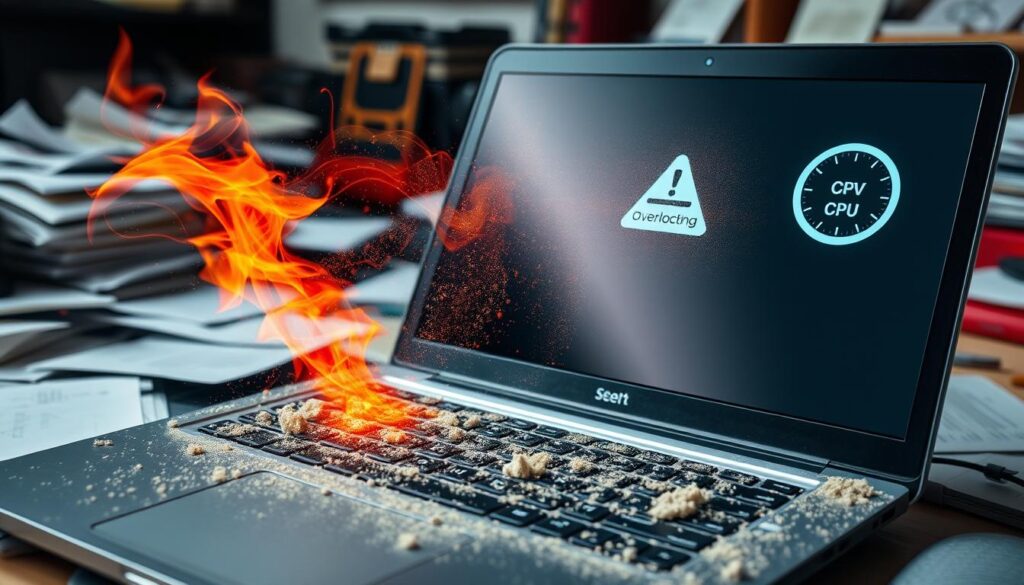
Laptop overheating can seriously harm your device. It’s key to know why it happens, the warning signs, and the damage it can cause. Dust buildup is a big reason, as it blocks airflow and stops cooling.
Other reasons include faulty fans, heavy use, and bad ventilation. If your laptop slows down, shuts off often, or shows damage, it’s overheating. Ignoring these signs can lead to serious problems like hardware failure and losing your data.
- Slow performance
- Frequent shutdowns
- Visible damage, such as burn marks or melted plastic
It’s important to fix these problems quickly to avoid damage. Knowing why laptops overheat helps you prevent it. This keeps your device running well and efficiently.
Keeping your laptop clean, like dusting vents and fans, helps a lot. Also, using a laptop stand or cooling pad can help air flow better. These steps can lower the chance of damage and keep your laptop in top shape.
Essential Tools and Materials for Laptop Cooling
Keeping your laptop cool is key. Laptop cooling tools like thermal paste, cooling pads, and laptop stands help a lot. They improve airflow and keep your laptop’s temperature safe.
Materials like copper or aluminum are great for DIY cooling. DIY cooling kits include these materials and tools. They’re perfect for a custom cooling solution without spending too much.
Some top laptop cooling tools are:
- Cooling pads with built-in fans
- Laptop stands with adjustable height and angle
- Thermal paste for better heat transfer
When picking materials for DIY, think about:
- How well they conduct heat
- How durable they are
- How affordable they are
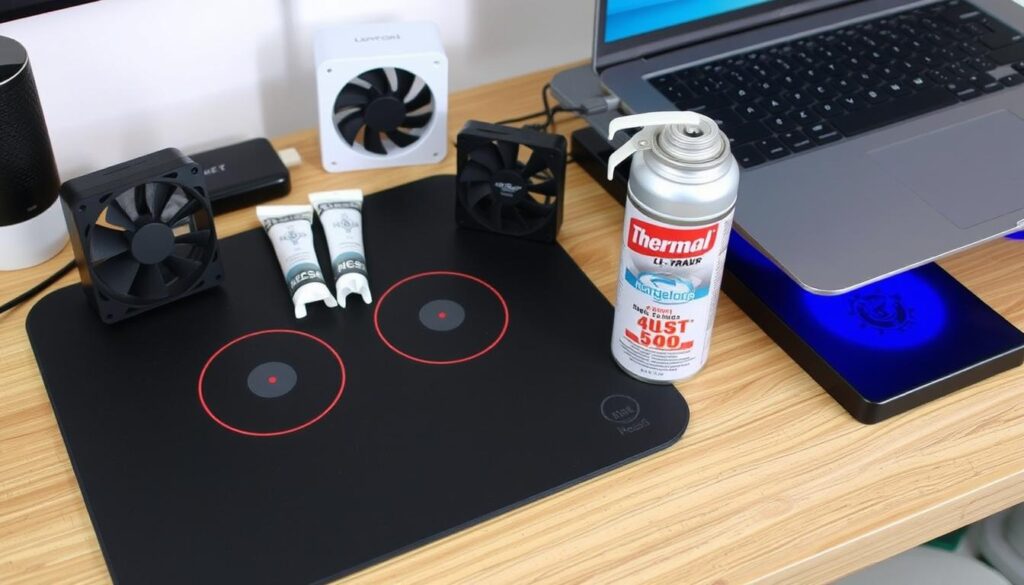
Choosing the right laptop cooling tools and materials is crucial. You can go for a DIY kit or individual parts. The goal is to find something that keeps your laptop cool and comfortable.
The Science Behind Effective DIY Laptop Cooling Hacks
It’s important to know how laptops heat up and how to cool them down. The main idea is to manage heat distribution and airflow principles. Laptops get hot from the CPU, GPU, and other parts, which can cause overheating if not handled right.
To fight this, learning about DIY cooling science is key. This includes how to boost airflow principles for better cooling. You can do this with cooling pads or DIY stands that help with heat distribution.
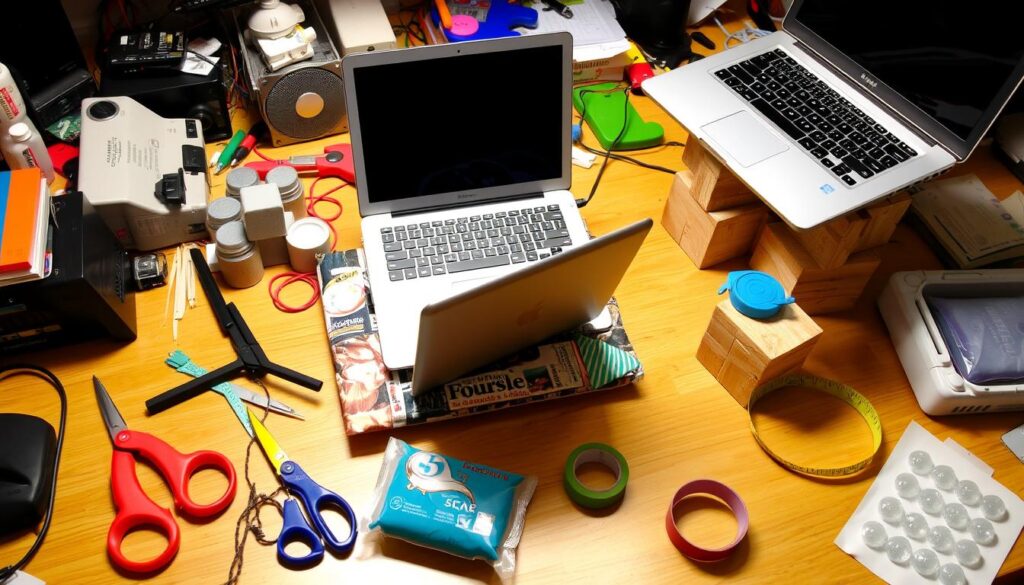
- Using a laptop stand to elevate the device and improve airflow
- Adding fans to increase air circulation
- Creating a DIY cooling system using copper pipes or other materials
By using theseDIY cooling sciencetips, you can lower your laptop’s temperature and boost its performance. The aim is to get the bestheat distributionandairflow principlesfor a cooler laptop.
| Cooling Method | Effectiveness | Cost |
|---|---|---|
| Cooling Pads | Medium | Low |
| DIY Stands | High | Medium |
| Custom Cooling Systems | Very High | High |
Cleaning and Maintenance: The First Step to Cooler Operation
Keeping your laptop clean and maintained is key for it to work well and stay cool. Dust and dirt can block airflow, making your laptop work harder and get hotter. Using DIY cleaning methods can help your laptop cool better and last longer.
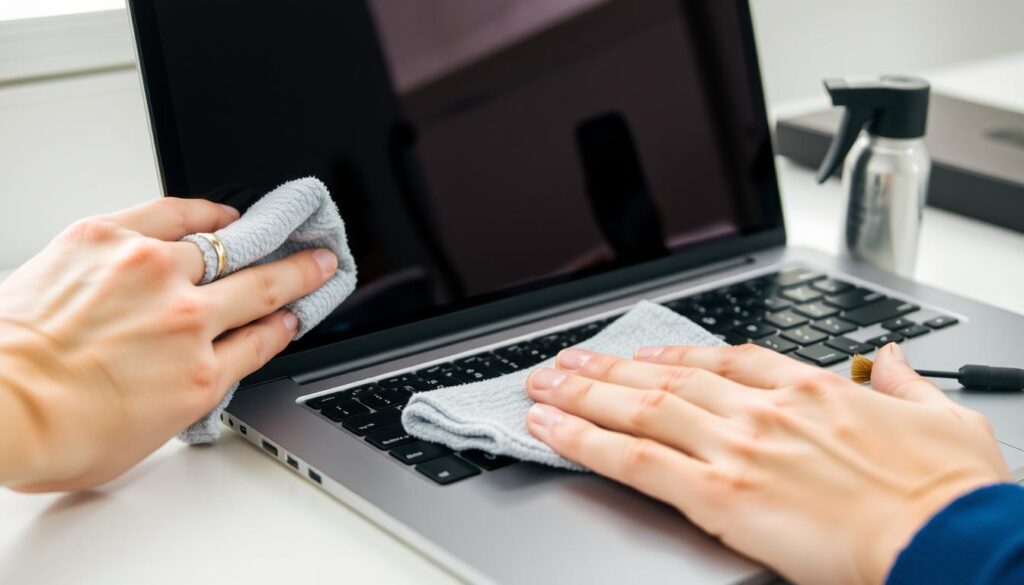
It’s important to clean your laptop safely and effectively. Use compressed air to gently blow out dust and dirt from vents and fans. Soft brushes are good for getting into tight spots. Sticking to a cleaning schedule helps keep dust away.
Safe Cleaning Methods
- Use compressed air to clean vents and fans
- Utilize soft brushes for hard-to-reach areas
- Avoid using liquids or harsh chemicals
Recommended Cleaning Schedule
Having a cleaning schedule is important for your laptop’s health. It should include daily, weekly, and monthly tasks. For example, clean the keyboard and touchpad daily, wipe down the outside weekly, and use compressed air monthly to clean vents and fans.
By focusing on cleaning and maintenance, your laptop will run better and cooler. Whether you do it yourself or get professional help, regular care is essential. It helps your laptop last longer and prevents overheating.
Elevating Your Laptop: Simple Stand Solutions
Using a laptop stand can make your laptop cooler. It does this by letting more air flow and reducing heat. This makes your laptop work better and stay cooler.
When picking a laptop stand, think about the material and design. Choose stands made from materials like aluminum or mesh for better airflow. You can also try DIY stands, like using books or a wooden crate. The goal is to find a stand that elevates your laptop right and supports its weight.
Laptop stands offer many benefits. They help cool your laptop, prevent overheating, and make working more comfortable. Elevating your laptop also improves your posture and reduces eye strain. Here are some tips for picking the best laptop stand:
- Consider the size and weight of your laptop
- Look for stands with adjustable height and tilt
- Choose a stand made from a breathable material
In summary, a laptop stand is a simple way to cool your device. It improves airflow and reduces heat, helping your laptop last longer and work better.
Creating the Perfect Cooling Environment for Your Device
To keep your laptop running smoothly, it’s key to cool it down. You need good airflow and a cool room. A tidy workspace helps a lot, keeping your laptop from overheating.
Room temperature is important for both you and your laptop. Aim for a cool room that lets your laptop breathe. This keeps your laptop healthy and makes working more comfortable.
Optimal Room Temperature
The best room temperature for laptops is between 60°F and 75°F. This keeps your laptop cool and stops it from overheating. Also, watch the humidity to avoid moisture damage.
Workspace Setup Tips
A tidy workspace is crucial for cooling. Here are some tips to cool your area:
- Place your laptop on a flat, stable surface for better airflow.
- Use a laptop stand or riser to boost airflow and cool your laptop.
- Position your laptop for clear airflow, avoiding clutter.
- Think about using a cooling pad or fan to help your laptop cool.
By following these tips and keeping your room cool, you’ll keep your laptop running well. A tidy workspace and the right room temperature are essential for a healthy laptop.
| Room Temperature Range | Humidity Level | Workspace Setup |
|---|---|---|
| 60°F – 75°F (15°C – 24°C) | 40% – 60% | Elevated laptop stand, unobstructed airflow, cooling pad or external fan |
Advanced DIY Laptop Cooling Hacks for Power Users
For power users, keeping their laptops cool is key to avoid damage and keep them running well. Advanced DIY cooling methods are great for this. They include using customized cooling solutions like liquid cooling systems or heat pipes, made just for your laptop.
Using advanced DIY cooling can make your laptop work better, last longer, and stay cool. Power users might also want to try customized cooling solutions to boost their laptop’s cooling. These are made to fit your laptop’s needs, ensuring it runs smoothly and reliably.
- Look for a good customized cooling solution for their laptop.
- Install and maintain it as the maker says.
- Keep an eye on the laptop’s temperature and tweak the cooling as needed.
With advanced DIY cooling and customized cooling solutions, power users can make sure their laptops perform well, even when used a lot.
| Cooling Method | Benefits | Considerations |
|---|---|---|
| Liquid Cooling | Improved performance, increased lifespan | Complex installation, higher cost |
| Heat Pipes | Effective heat transfer, low maintenance | Limited compatibility, potential leakage |
Safety Considerations When Implementing Cooling Solutions
Keeping your laptop cool is important, but safety comes first. Safety considerations are key to avoid risks. Electrical safety is crucial to prevent accidents and ensure a reliable cooling solution.
To stay safe, follow proper installation and maintenance steps. Here are some important guidelines:
- Avoid using water or any liquids near electrical components
- Keep your laptop away from flammable materials
- Use a surge protector to prevent power surges
Also, knowing common mistakes helps avoid overheating and electrical shock. Some mistakes to avoid include:
- Blocking air vents
- Using your laptop in a hot environment
- Overcharging your laptop’s battery
By following these guidelines and being cautious, you can keep your laptop cool and safe. Always put safety considerations first when cooling your laptop.
By taking precautions and following electrical safety guidelines, you can have a safe cooling solution for your laptop. Be aware of common mistakes and avoid them. This way, your laptop stays cool and works well.
| Safety Consideration | Guideline |
|---|---|
| Electrical Safety | Avoid using water or liquids near electrical components |
| Common Mistakes | Avoid blocking air vents and overcharging your laptop’s battery |
Monitoring Your Laptop’s Temperature
It’s key to keep an eye on your laptop’s temperature to make sure it stays cool. This helps prevent damage to your device. You can use special tools to check the temperature of parts like the CPU and GPU.
Knowing your laptop’s temperature is important for its performance. Normal operating temperatures depend on the device and how you use it. But, temperatures over 90°C are usually too high. You can use software tools to see your laptop’s temperature in real-time.
Recommended Temperature Monitoring Tools
- HWMonitor: A popular tool for monitoring temperature, voltage, and fan speed.
- SpeedFan: A tool that allows you to monitor and control fan speeds, as well as monitor temperature readings.
- GPU-Z: A tool designed to monitor GPU temperature and other graphics card info.
These tools help you understand your laptop’s temperature. You can then make changes to keep it cool. This might mean cleaning dust, using a cooling pad, or changing power settings.
Good temperature monitoring and management boost your laptop’s performance and lifespan. By focusing on temperature and taking steps to manage heat, your device will work better, even when you’re using it a lot.
When to Combine Multiple Cooling Methods
To get the best cooling performance, think about using combined cooling methods. This way, you can make a cooling solution that fits your laptop’s needs. It helps improve airflow, lower heat, and boost cooling performance.
Using combined cooling methods has many benefits:
- It helps get rid of heat better.
- It increases airflow.
- It makes cooling performance better.
When you use combined cooling methods, keep an eye on your laptop’s temperature. Adjust the cooling settings if needed. This keeps your laptop safe from overheating. A customized cooling solution means your laptop will run better and last longer.
Learning how to mix cooling methods well lets you make a cooling solution that fits your laptop’s needs. This leads to better cooling performance and a longer life for your device.
| Cooling Method | Description | Benefits |
|---|---|---|
| Air Cooling | Uses fans to circulate air | Easy to implement, low cost |
| Liquid Cooling | Uses liquid to absorb heat | Highly effective, quiet operation |
| Combined Cooling | Combines air and liquid cooling | Optimal cooling performance, customized solution |
Conclusion: Keeping Your Laptop Cool for Optimal Performance
Keeping your laptop cool is key for its best performance and life span. By using DIY cooling hacks, you can fight overheating and make your laptop work better. You can try simple stands or more complex airflow changes to keep your laptop cool and safe from heat damage.
A cool laptop not only works better but also lasts longer. By using these DIY cooling tips, you’ll get better productivity, longer battery life, and peace of mind. So, why let your laptop get hot and slow when you can make it cool and fast?
Try out the cooling methods from this guide and find what works best for your laptop and how you use it. With a bit of effort and the right approach, your laptop will run at its best, even when you’re using it a lot. Happy cooling, and may your laptop stay cool!