Choosing between a MacBook and a Windows laptop can be tough. Each has its own special features and benefits. It’s important to think about what you need and want. This guide will help you find the right one for you.
Looking for a new laptop? You might be thinking about MacBooks and Windows laptops. It’s key to know how their operating systems differ. This will affect how you use your laptop, whether for work, school, or fun.
Exploring laptop options, you’ll see both MacBooks and Windows laptops have good and bad points. You’ll need to look at design, performance, software, and cost. By checking these out, you can choose the laptop that fits your life and tastes.
Key Takeaways
- Consider your individual needs and preferences when choosing between a MacBook and a Windows laptop
- Operating system comparison is crucial for a great user experience
- Laptop comparison involves evaluating design, performance, software, and price
- Both MacBook and Windows laptops have their unique features and benefits
- Understanding the differences between MacBook and Windows laptops will help you make an informed decision
- A thorough laptop comparison will ensure you find the perfect fit for your needs
Understanding the MacBook vs. Windows Laptop Debate
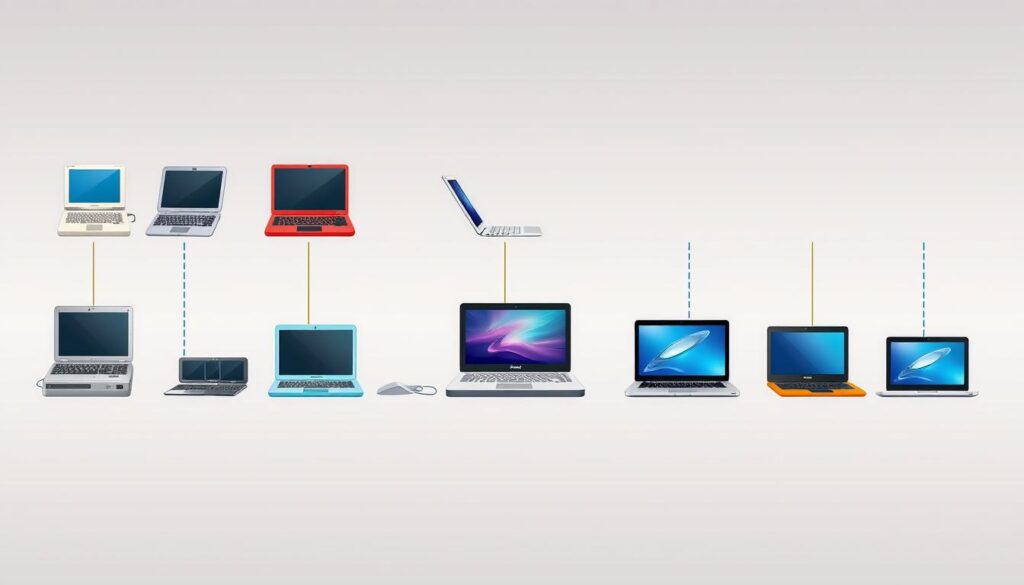
The history of laptops is filled with innovation and competition. Both MacBooks and Windows laptops have made big impacts. They’ve been trying to outdo each other in features, design, and function.
There are many differences between MacBooks and Windows laptops. MacBooks are easy to use and look sleek. Windows laptops, on the other hand, offer more hardware choices and are more affordable. New technologies, like foldable laptops, are also changing how laptops will look and work in the future.
When picking between a MacBook and a Windows laptop, consider these points:
- Operating System: macOS or Windows
- Design and Build Quality: MacBook’s unibody design vs. Windows laptops’ diverse designs
- Performance and Hardware: Processor, RAM, and storage options
- Price: MacBooks tend to be more expensive than Windows laptops
The laptop market keeps changing, so it’s key to stay updated. Keep an eye on laptop history, market position, and differences. The growth of foldable technology is also something to watch, with its potential uses in many fields.
Knowing the strengths and weaknesses of each platform helps you make a better choice. Whether you’re a student, business user, or gamer, there’s a laptop out there for you.
Operating System Experience: macOS vs. Windows
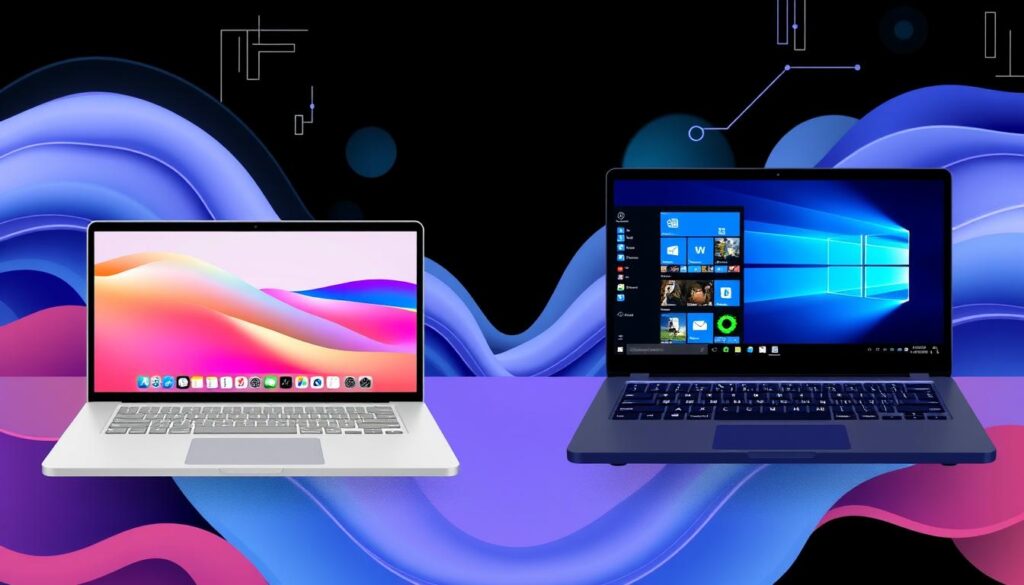
Choosing between a MacBook and a Windows laptop means looking at the operating system. macOS and Windows have different designs and features. For example, macOS is sleek and easy to use, while Windows lets you customize more.
Both macOS and Windows have their good points and bad points. macOS is often seen as easier to use, with a clean interface and smooth connection with Apple devices. Windows, on the other hand, is more flexible and works well with many software and hardware.
As technology keeps getting better, we’ll see macOS and Windows change. They might even work with smart folding devices. This could change how we use our devices, making laptops and tablets more like each other.
In the end, picking between macOS and Windows depends on what you like and need. Thinking about the operating system experience and other things helps you choose the right one for you.
| Operating System | User Interface | Compatibility |
|---|---|---|
| macOS | Sleek and intuitive | Seamless integration with Apple devices |
| Windows | Customizable | Wide range of software and hardware compatibility |
Design Philosophy and Build Quality
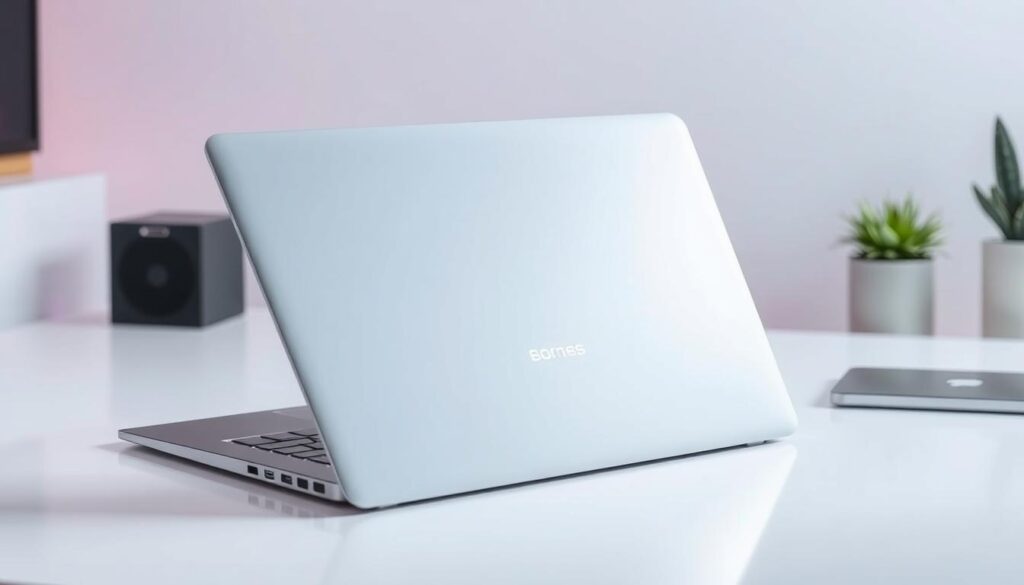
Apple and Windows laptops have different design styles. Apple sticks to a single design look across all products. Windows laptops, on the other hand, offer a wide range of designs to meet various tastes and needs.
The foldable phone trend is also shaping laptop design. Some makers are using flexible, durable materials. They aim to bring the benefits of foldable phones, like portability and versatility, to laptops.
Apple’s Unibody Design Approach
Apple’s laptops are made from a single piece of material. This makes them strong and durable. It’s a key part of Apple’s design philosophy.
Windows Laptop Design Diversity
Windows laptops come in many designs. You can find sleek, slim, or bulky and feature-rich ones. This variety lets users pick a laptop that suits their needs and style.
Material Quality Comparisons
Both Apple and Windows laptops use top-notch materials like aluminum and carbon fiber. But, the quality can differ based on the maker and model.
- Laptop design: Apple’s unibody design vs. Windows laptop design diversity
- Build quality: Material quality comparisons between Apple and Windows laptops
- Influence of foldable phone trend: Exploring flexible and durable materials in laptop design
The benefits of foldable phones, like being portable and versatile, are inspiring laptop design. As laptop design evolves, it will be exciting to see new materials and designs in products.
| Laptop Model | Design Philosophy | Build Quality |
|---|---|---|
| Apple MacBook | Unibody design | High-quality aluminum |
| Windows Laptop | Design diversity | Varying material quality |
Performance Metrics and Hardware Options
When looking at performance metrics, MacBooks and Windows laptops have many hardware options. You can choose from processors, RAM, and storage. It’s important to pick what fits your work or daily life best.
The processor is a big deal. Both MacBooks and Windows laptops have Intel Core i5 and i7 options. RAM and storage also matter a lot. For example, a laptop with 16GB RAM and a 1TB SSD will do better than one with 8GB RAM and a 512GB HDD.
As tech gets better, we’ll see new hardware options that boost performance metrics. The future of foldable mobiles might change laptops too. For now, pick a laptop that matches your needs.
Here are some key things to think about when looking at hardware options:
- Processor: Intel Core i5 or i7
- RAM: 8GB, 16GB, or 32GB
- Storage: 512GB HDD, 1TB SSD, or 2TB SSD
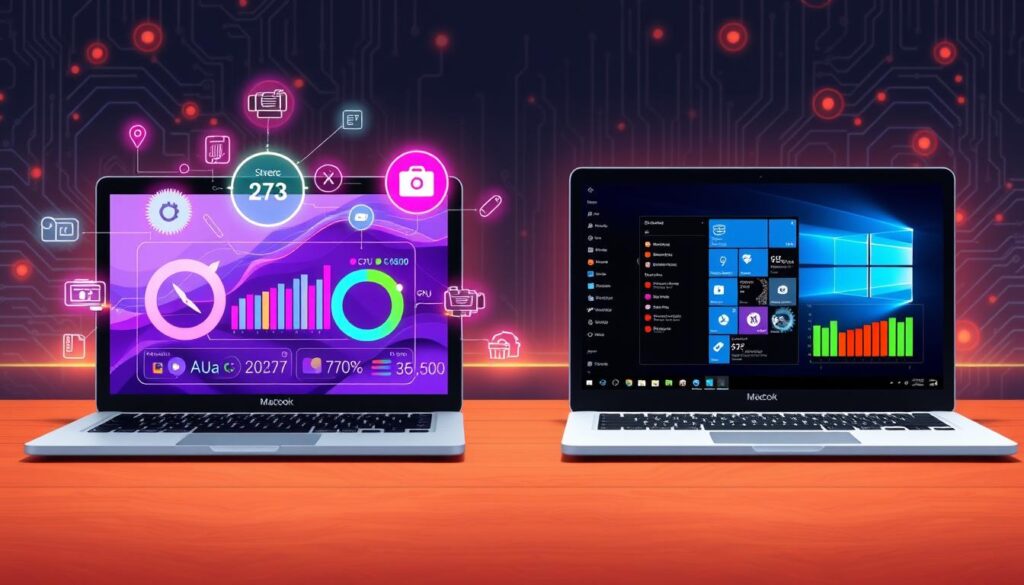
By looking at these factors and the latest hardware options, you can pick a great laptop. The future of foldable mobiles is exciting, but for now, focus on what’s available today. Choose a laptop that fits your lifestyle well.
| Laptop Model | Processor | RAM | Storage |
|---|---|---|---|
| MacBook Air | Intel Core i5 | 8GB | 512GB SSD |
| Windows Laptop | Intel Core i7 | 16GB | 1TB SSD |
What’s Better: MacBook or Windows Laptop for Different Users?
Choosing between a MacBook and a Windows laptop depends on your needs. Creative pros might want a laptop for advanced graphics and processing. Business users might look for laptops with strong security and software compatibility.
Students often seek laptops that are affordable yet perform well. Gaming fans need laptops with fast processors, dedicated graphics, and quick displays. As foldable displays become more common, we’ll see new designs for various users.
- Processor speed and graphics capabilities for creative professionals and gaming enthusiasts
- Security features and software compatibility for business users
- Affordability and portability for students
- Display quality and refresh rates for gaming laptops
Understanding your needs helps you choose the right laptop. Whether you’re creative, in business, a student, or a gamer, there’s a laptop for you.
Software Ecosystem and App Availability
The software ecosystem of a laptop is key to a good user experience. Both macOS and Windows have many native apps. But, the choice of apps varies a lot between these two platforms. The rise of foldable smartphones has also brought new apps that work well on different screens.
macOS has apps like Final Cut Pro and Logic Pro, favorites among creatives. Windows, on the other hand, has a bigger app library, including games and productivity tools. Windows is more open to app installation, while macOS is more restricted.
Native Applications
Native apps use a laptop’s full capabilities. For example, macOS apps are made for the MacBook’s Retina display and Touch Bar. This makes for a smooth user experience. Windows apps also take advantage of the laptop’s features, like touchscreen and stylus support.
Cross-Platform Compatibility
Many apps, like Microsoft Office and Google Chrome, work on both macOS and Windows. This lets users work easily across different platforms. But, some apps, like Apple’s iWork, are only for macOS. Others, like Microsoft’s Surface apps, are only for Windows.
Gaming Options
Gaming is a big part of the software ecosystem. Windows has more games, including Fortnite and PUBG. macOS has fewer games but has improved, with Apple Arcade and other services.
| Platform | Native Applications | Cross-Platform Compatibility | Gaming Options |
|---|---|---|---|
| macOS | Final Cut Pro, Logic Pro | Microsoft Office, Google Chrome | Apple Arcade, limited selection of games |
| Windows | Microsoft Office, Surface-specific apps | Microsoft Office, Google Chrome | Large library of games, including Fortnite and PUBG |
Price Points and Value Proposition
Laptop prices vary a lot between MacBooks and Windows laptops. MacBooks start at about $1,000, while Windows laptops can be as cheap as $300. The value of each laptop depends on its performance, design, and software. The rise of foldable smartphones might also change laptop prices and values in the future.
When looking at a laptop’s value, consider a few things:
- Processor speed and performance
- Memory and storage capacity
- Display quality and size
- Operating system and software ecosystem
- Design and build quality
MacBooks stand out with their sleek design and top-notch performance. They work well with other Apple devices. Windows laptops, on the other hand, offer more choices in price, design, and features. This makes them a better deal for many people. As technology advances, foldable smartphones could bring new ideas to laptop prices and values.
| Laptop Model | Price | Value Proposition |
|---|---|---|
| MacBook Air | $1,000 | High-performance processor, sleek design, and seamless integration with other Apple devices |
| Windows Laptop | $500 | Affordable price, wide range of design and hardware options, and compatibility with various software applications |
Security and Privacy Features
MacBooks and Windows laptops have their own strengths and weaknesses when it comes to security. MacBooks are known for their strong security thanks to features like Gatekeeper and XProtect. These tools help control software downloads and scan apps for malware.
Windows laptops have faced more malware and viruses because of their larger user base. But, Windows has improved its security with tools like Windows Defender and regular updates. The rise of foldable technology also brings new security challenges.
Key Security Features
- Regular software updates to patch vulnerabilities
- Built-in antivirus and anti-malware protection
- Encryption and secure data storage options
- Privacy controls, such as camera and microphone settings
As laptops evolve, with trends like foldable technology, security and privacy become more important. Knowing the strengths and weaknesses of each platform helps users make better choices. This way, they can protect their devices and personal data.
Privacy Controls
Both MacBooks and Windows laptops have privacy controls. These include settings for location services, camera and microphone access, and data sharing. Users should use these features to customize their privacy settings.
This ensures their personal data is safe. Whether you choose a MacBook or a Windows laptop, you can enjoy a secure and private experience.
| Laptop Model | Security Features | Privacy Controls |
|---|---|---|
| MacBook | Gatekeeper, XProtect | Camera and microphone settings, location services |
| Windows Laptop | Windows Defender, regular updates | Camera and microphone settings, location services, data sharing options |
Battery Life and Power Management
When it comes to laptop battery life, both MacBooks and Windows laptops have their strengths and weaknesses. MacBooks are known for their efficient power management systems, which help extend battery life. On the other hand, Windows laptops have made significant strides in recent years, with some models offering impressive battery life.
A key factor affecting laptop battery life is usage patterns. For example, heavy users who run resource-intensive programs may experience shorter battery life. Casual users who mainly browse the web and check email may enjoy longer battery life. The future of foldable mobiles may also impact battery life, as these devices are designed to be more power-efficient.
Some notable features that contribute to better power management include:
- Low-power processors
- Advanced battery calibration
- Power-saving modes
In conclusion, laptop battery life and power management are crucial considerations for anyone in the market for a new laptop. By understanding the factors that affect battery life and exploring the latest advancements in power management, users can make informed decisions and enjoy a better overall laptop experience.
| Laptop Model | Battery Life | Power Management Features |
|---|---|---|
| MacBook Air | Up to 12 hours | Low-power processor, advanced battery calibration |
| Windows Laptop | Up to 10 hours | Power-saving modes, efficient processor |
After-Sales Support and Warranty Options
When you buy a laptop, it’s key to think about the after-sales support and warranty. Apple and Windows laptop makers offer different support levels. The foldable display market might change how they support laptops with foldable screens.
Apple’s AppleCare and Windows laptops’ warranties offer different protections. Knowing what you get is important. It helps ensure you’re covered if your laptop needs fixes.
Comparing Warranty Options
- AppleCare: Offers extended warranty and support options for Apple devices.
- Manufacturer warranties: Provide standard warranty coverage for Windows laptops, varying by manufacturer.
The after-sales support from makers is crucial for a good user experience. As the foldable display market expands, it will be interesting to see how makers adjust their support and warranties for these new devices.
Resale Value and Long-Term Investment
Thinking about a laptop’s resale value and long-term investment is key. Both MacBooks and Windows laptops have their own strengths and weaknesses. The value of a laptop can change based on its condition, age, and new tech like foldable smartphones.
Investing in a laptop for the long term means looking at its upgrade and maintenance potential. Some laptops are easier to upgrade than others, which can affect their resale value. For example, some Windows laptops offer more customization, which can boost their resale value.
Here are some important points to think about when looking at a laptop’s resale value and long-term investment:
- Depreciation rates: How fast does the laptop’s value drop over time?
- Upgrade possibilities: Can the laptop be easily upgraded or modified to extend its life?
- Condition: How well is the laptop kept up, and what’s its overall condition?
The rise of foldable smartphones might also change the value of traditional laptops. New tech can lead to lower demand for old laptops, affecting their value. But it also opens up chances for new ideas and growth in the laptop market.
In summary, the resale value and long-term investment of a laptop are important to consider when buying. By looking at depreciation rates, upgrade options, and condition, buyers can make smart choices about their laptop investments.
| Laptop Model | Resale Value | Upgrade Possibilities |
|---|---|---|
| MacBook Air | High | Limited |
| Windows Laptop | Medium | High |
Conclusion: Making Your Final Decision
As we wrap up our MacBook vs. Windows laptop comparison, it’s time to think about what matters most to you. Both platforms have their own strengths. But, the right choice depends on your needs and what you like.
If you’re into creative work and need top performance, a MacBook might be best. But, Windows laptops offer more choices and are often cheaper. They’re great for those watching their budget or who love gaming.
The future of tech, including benefits of foldable smartphones and future of laptops, might change things. Think about what you need now and what you might need later.
Choosing between a MacBook and a Windows laptop is a personal decision. It’s about what you value, how much you can spend, and what you need to do. Take your time, weigh the good and bad, and choose what feels right for you.